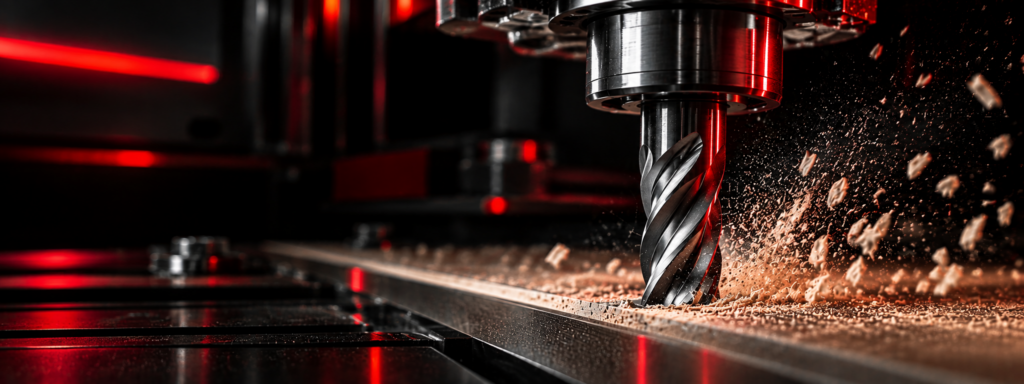
Looking for our original, simplified chip load calculator?
You’ll find it here.
CNC Chip Load Calculator
The calculator provides a conservative baseline for initial setup, not maximum or optimal cutting parameters. Depending on tool construction, cutting geometry, material characteristics and machine capabilities, higher feed rates may be appropriate.
Need Help With Your Tooling or Cutting Application?
Select what you want to calculate, enter your machining parameters, and the result updates automatically.
Chip Load & Feed Rate Calculator
Calculate industrial CNC production starting ranges for router bits, shank tools, cutters and cutterheads. Fine-tune at the machine to find the sweet spot for your application.
Industrial CNC starting range — verify against the actual cutter, spindle power and cutting engagement.
How to Find Your Sweet Spot
The calculator provides a practical starting range. The optimum setting depends on the specific tool, material, machine, toolholding, cutting engagement, workholding and required finish.
- Begin within the recommended starting range.
- Gradually increase feed rate while monitoring cut quality, machine stability and chip evacuation.
- When finish begins to deteriorate, reduce feed until the desired finish returns.
- Then gradually reduce RPM. If finish deteriorates, increase RPM until the desired finish returns.
- Record that feed/RPM combination as the practical sweet spot for repeat jobs.
Remember: running too slowly can cause rubbing and heat. The objective is a properly formed chip and the highest practical chip load that maintains the required finish and stable cutting conditions.
Important: GDP provisional industrial CNC starting ranges; not manufacturer-approved parameters for every tool. Actual optimum parameters vary with tool geometry, material formulation, machine rigidity, spindle power, toolholding, runout, workholding, cutting engagement and finish requirements. Never exceed the maximum RPM marked on the tool. Full-width cuts and limited machine rigidity may require substantially lower feeds.
Understanding Chip Load
Chip load is the amount of material removed by each cutting edge with every revolution of the tool.
Getting it right is critical to controlling heat, cut quality and tool life.
CHIP LOAD TOO LOW
The cutting edge begins to rub rather than cut efficiently, generating excess heat. This can cause burning in wood, melting in plastics, premature edge wear and shortened tool life.
OPTIMUM CHIP LOAD
Each cutting edge removes an appropriate amount of material, allowing the chip to carry heat away from the cutting edge. The result is optimal finish and maximum tool life.
CHIP LOAD TOO HIGH
Excessive chip load increases cutting forces and spindle load. This can cause chatter, poor finish, tool deflection and, in extreme cases, tool breakage.
Popular CNC Tooling by Material
Start with our most popular CNC tooling options for common materials and applications. For specialized materials,
unusual machining conditions or help selecting the best tool for your application, contact a GDP Tooling specialist.
Wood
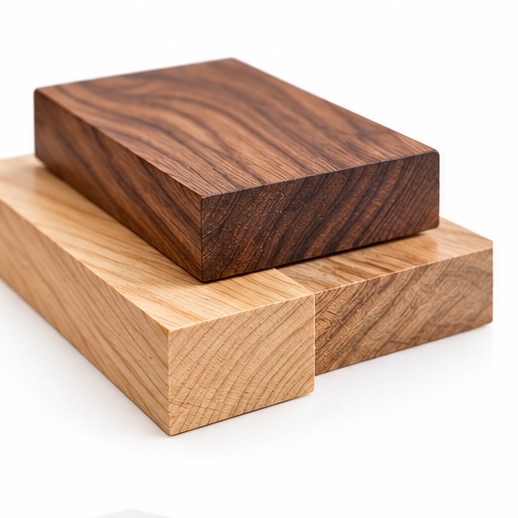
Popular solid carbide and insert tooling for hardwoods, softwoods and other solid wood.
MDF & Particleboard
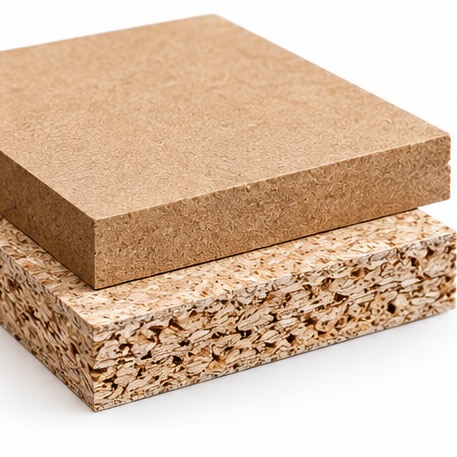
Tooling for machining of abrasive MDF, particleboard and engineered wood.
Plywood
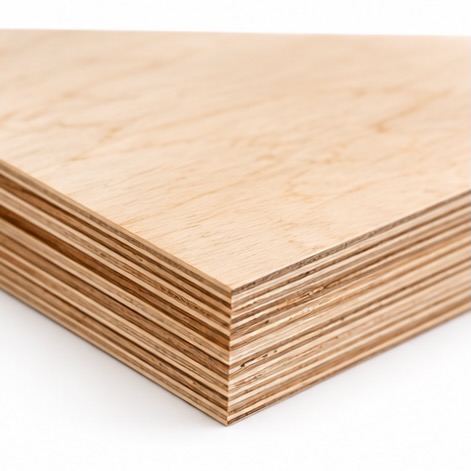
Best options and specialty tooling for clean cutting of plywood and veneered panels.
Melamine
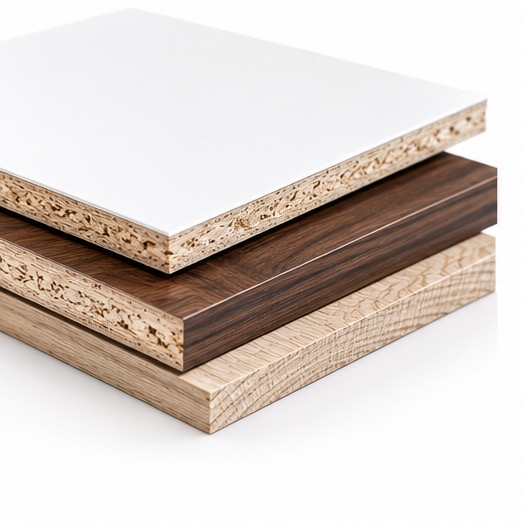
Durable tooling for clean edges in melamine and other high silica laminated panels.
Plastics & Acrylics
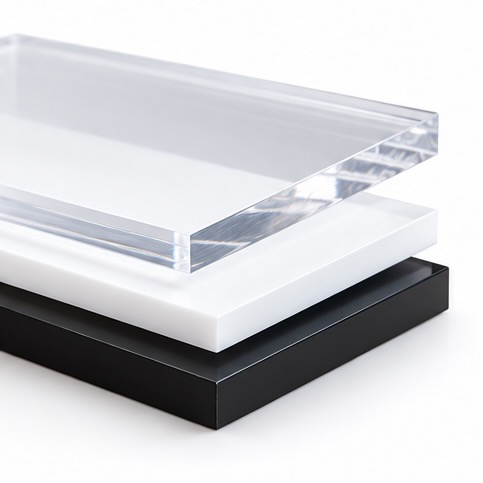
O-Flute router tooling for clean cutting and efficient chip evacuation in plastics/acrylics.
Advanced Materials
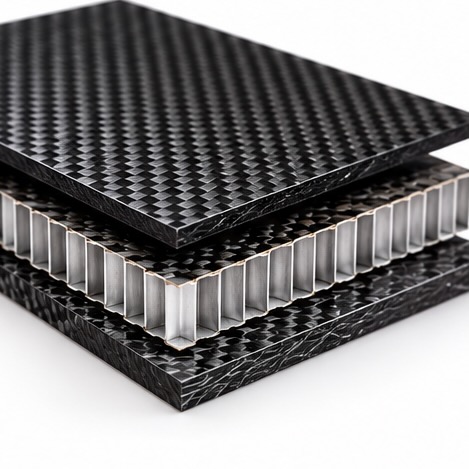
Specialized tooling for composites, CFRP, GFRP, and other advanced materials.
Learn More About Chip Load
For a deeper understanding of chip load, read “Factors on Factoring Chip Load” written by Ted Bruning, a woodworker and college instructor, It offers practical insights that will resonate with experienced machinists.
Want to learn from the real-world experience and trial-and-error of other seasoned woodworkers? The the Woodweb conversation about chipload and tool diameter.